


Internet Safety
In t oday's digital world, children are growing up surrounded by technology. While the internet offers fantastic opportunities for learning and creativity, it is essential to ensure that children navigate the online world safely and responsibly. At Liphook Federation, we take E-Safety seriously and work in partnership with parents to equip children with the knowledge and skills they need to stay safe online.
How We Teach E-Safety in School
E-Safety is embedded into our computing and PSHE curricula to help children develop good digital habits from an early age.
We teach pupils to:
 Think before they click – Understanding what is safe to share online.
Be kind and respectful – Promoting positive online behaviour.
Recognise risks – Identifying unsafe websites, messages, and content.
Protect personal information – Keeping details like names, addresses, and passwords private.
Speak up – Encouraging children to tell an adult if something makes them feel uncomfortable online.
Additionally, every two years, we welcome ChildNet into our school to deliver interactive internet safety workshops for both pupils and parents, helping to reinforce safe online behaviours at home and in school. We also have robust filtering and monitoring systems in place to ensure that children can only access age-appropriate content while using the internet at school, creating a safe and secure digital learning environment. We teach children critical thinking skills to help them to recognise and respond to misinformation and disinformation, particularly relating to artificial intelligence.
How Parents Can Support E-Safety at Home
Parents play a key role in reinforcing safe online behaviour. Here are some simple steps you can take:
Set Parental Controls – Use built-in safety features on devices and apps to filter inappropriate content.
Encourage Open Conversations – Talk regularly about what your child does online and who they interact with.
Monitor Screen Time – Set healthy limits on gaming, social media, and internet use.
Check Privacy Settings – Ensure that accounts, apps, and games are set to private.
Be a Digital Role Model – Show children how to use technology safely and responsibly.
Helpful Resources for Parents
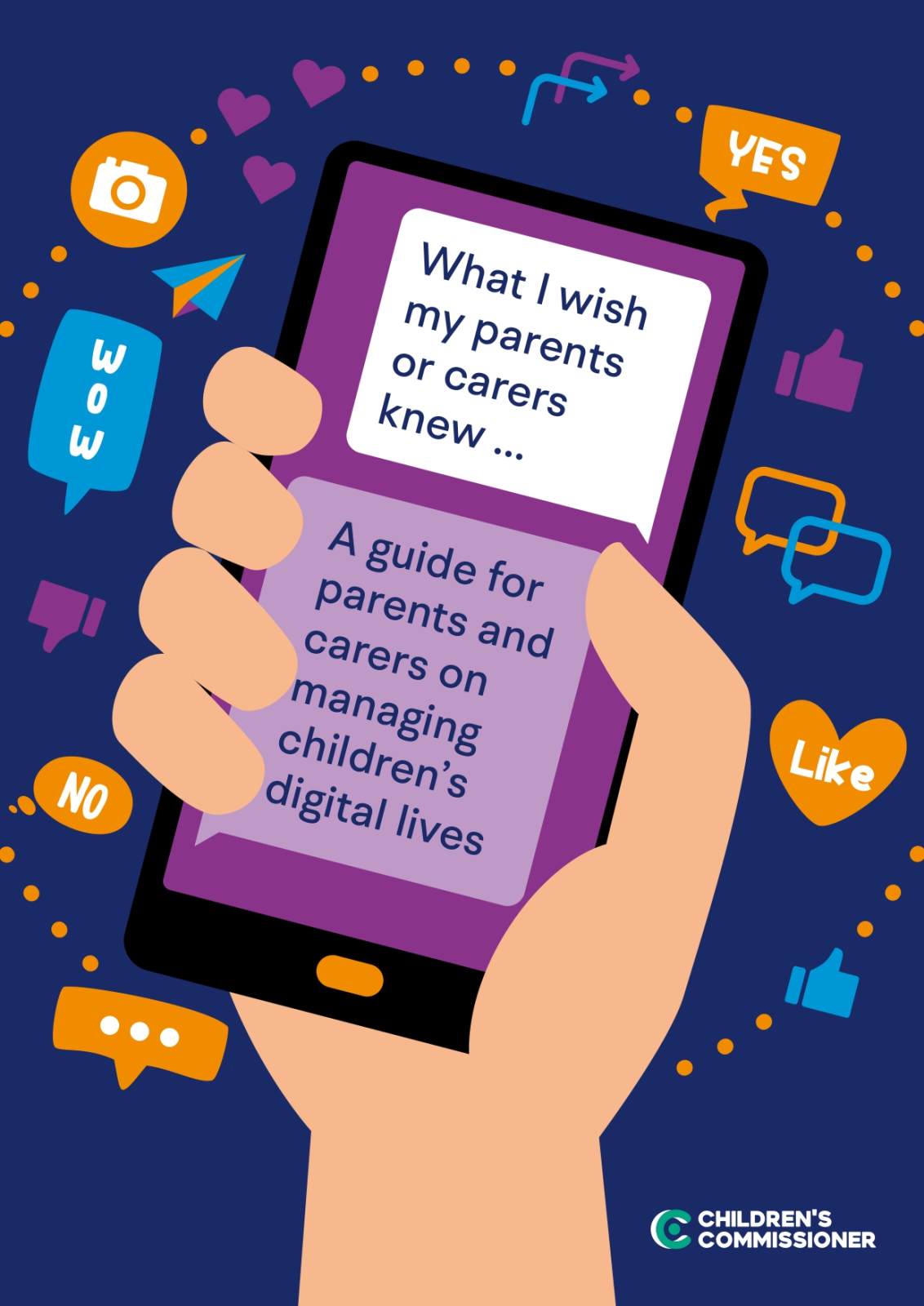
Childnet Online Safety Session (Parents and Carers) on Vimeo
ChildNet: Help, advice and resources for parents and carers
ChildNet parents' and carers' toolkit
Common Sense Media (for info about apps, games and ratings)
Family Gaming Database (for reviews, ratings and info about games)
Internet matters (for parental controls)
-
Safe Internet Use Policy
download_for_offline
download_for_offlineSafe Internet Use Policy
- Social Media and Use of Photographs Policies - Parental Summary download_for_offline
download_for_offlineSocial Media and Use of Photographs Policies - Parental Summary
- Social Media Policy download_for_offline
download_for_offlineSocial Media Policy
- Social Media and Use of Photographs Policies - Parental Summary download_for_offline